
• Call Center
  • Call Center status meter dynamic emoji
    High waiting time!

    We are currently experiencing a very high number of calls in our Call Center. If you have an urgent problem, call now, otherwise we'll wait for you later. For quick answers try Ask BT - opens in a new tab or BT Visual Help - opens in a new tab.

  • 0264 308 308 028 or *8028The number is available from any national network. Standard rate.
    0264 303 003Hotline for all Romanians who are out of the country, including assistance in English. Standard tariff.
    Fraud assistance
    If you suspect fraud on your account, quickly call 0264 308 055. Standard rate.
    BT AI Chat acronym - opens in a new tab

    AI Search on Ask BT answers all your banking questions.

    - opens in a new tab

    Quickly view your account details, call 0264 308 000 and receive an SMS with the access link.

    You've reached the end of the results
    No results found
    Your New BT Card - header

    YOUR CARD, FULLY EQUIPPED

    Have you received your renewed card and want to use it right away? Below is everything you need to know: how to activate your new card and everything you can do directly from BT Pay.

    Come into BT Pay

    Skip to main content
    Activate your card at any BT ATM, add it to BT Pay, and start using it right away.  
    See where your card is saved and easily manage your recurring payments.  
    You have complete control right from the app: you can set your transaction limits and lock or unlock your card.
    Paying is easy anywhere: in physical stores or online, at home or abroad—in foreign currency.
    You have quick access to useful services for everyday life and travel (eSIM, travel insurance, currency exchange).
    Manage everything in one place: accounts, cards, savings, and family options.

    FIRST STEPS  

    Activate your card at any BT ATM

    Activation is done using the physical card—just enter your old PIN and set a new one. If you’ve used the card for online payments or have active subscriptions (streaming, transportation, deliveries, marketplaces), it’s important to update your new card information.

    What you need to do and how BT Pay can help: 

    • Go to BT Pay: Old Card → More → Card saved at merchants.
    • Check where you saved your old card.
    • Update card information in real time on the merchant's website or app.

     Come into BT Pay

    Your new BT - income card

    Your card—
    , day in and day out

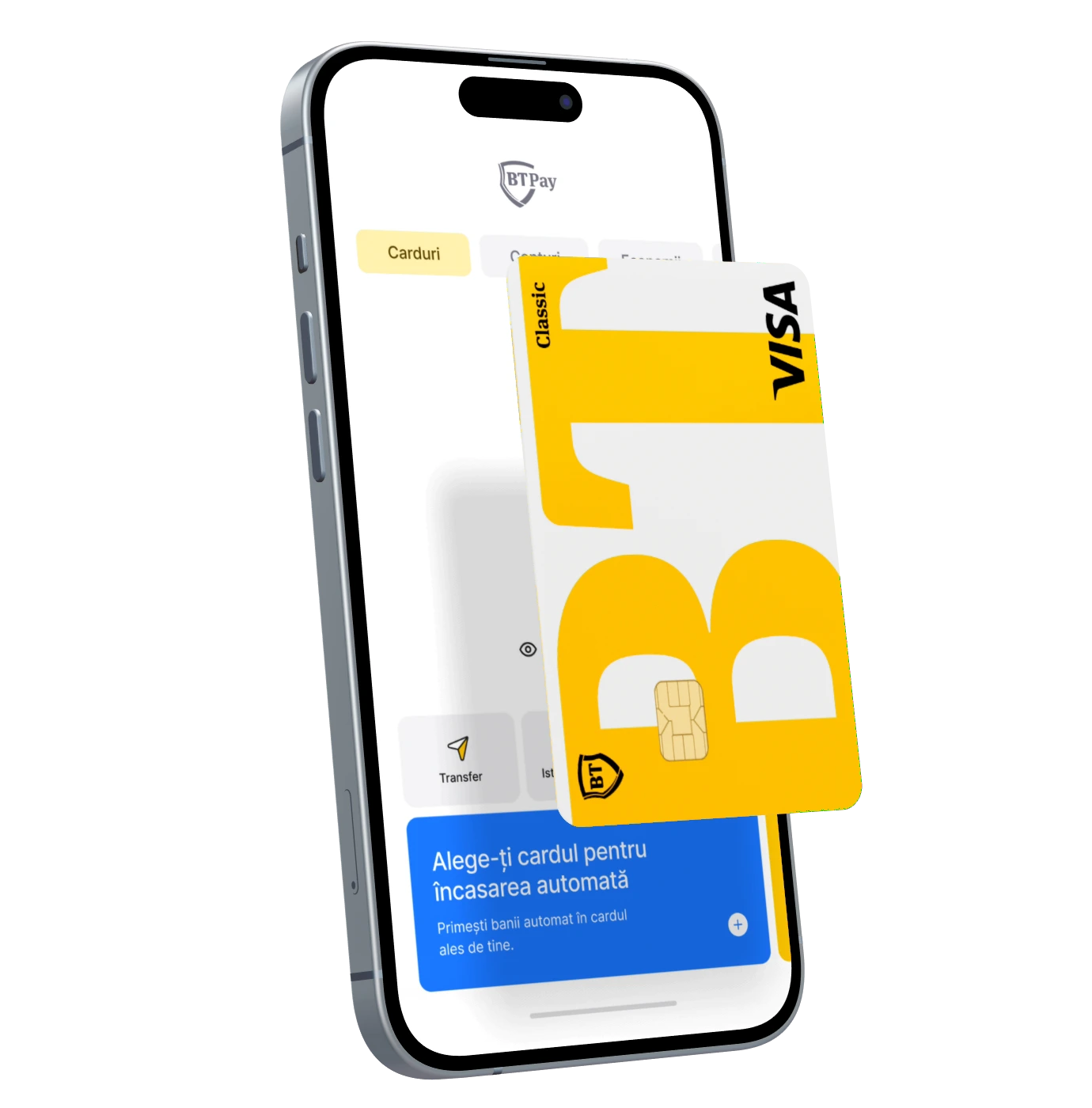
    Right from BT Pay, you can:

    • View transactions in real time.
    • Set or change your trading limits.
    • You can temporarily block or unblock the card.
    • Quickly access your card information for online payments.
     I want the subscription

    Your new BT card - subscription

    REVENUE COLLECTION

    If you aren't already receiving your pay through BT, you can easily set it up—just send your employer the IBAN for your BT account, and your paycheck will be deposited directly there. 

    How do you do it? 

    • Log in to BT Pay, download your IBAN, and send it to your employer.
    • That's it—next month, your paycheck will go straight into your account.
    • Plus, you pay zero fees when your paycheck is deposited if you have the "Salut" plan.
     Come into BT Pay

    Your new BT - income card
    Your new BT - payments card

    Useful for Travel

    Going on vacation? Get everything ready with BT Pay

    Come into BT Pay

    Travel Essentials

    • Do you often travel to areas where the euro or the dollar is used? You can get a card in euros or dollars so you don't have to worry about exchange rates when you're on vacation.
    • Activate travel insurance through BT Pay—set up in about 2 minutes, valid for 1 year, with medical coverage and additional options (trip cancellation, flight cancellation, lost luggage, seasonal sports).
    • Get an eSIM from BT Pay, with fast internet in over 200 destinations.

     Come into BT Pay

    Your New BT Card - Roundup

    Travel hack

    • Always choose to pay in the local currency to avoid additional costs.
    • Pay securely with your card for: tickets, accommodations, transportation, or experiences. When renting a car, it's a good idea to have your physical card with you. 
    • Tip: Open a separate savings account specifically for travel—that way, it'll be easier to stick to your travel budget.


     Come into BT Pay

    Your new BT - investments card
    Your new BT card - bt-pay

    Directly from BT Pay

    Extra-smart solutions for you

    Come into BT Pay

    SAVING AND INVESTING

    With BT Pay, you have access to:

    • Savings products: RoundUp (you save without even realizing it through round-up savings), savings accounts, or term deposits with interest rates based on the amounts saved.  
    • Multiple investment options: You have access to over 28 markets and 4,600 companies to invest in. 
     Come into BT Pay

    Your New BT Card - Personal Needs Loan

    BT Pay Kiddo - for the family

    If you have children, BT Pay Kiddo helps them learn how to manage their money.

    • The child learns to manage their allowance, scholarship, outings with friends, and any other expenses on their own.
    • You have real-time control: you can view the card balance and the transactions made. 
    • You set spending limits, load money onto their card, and, if necessary, block or unblock their card.  
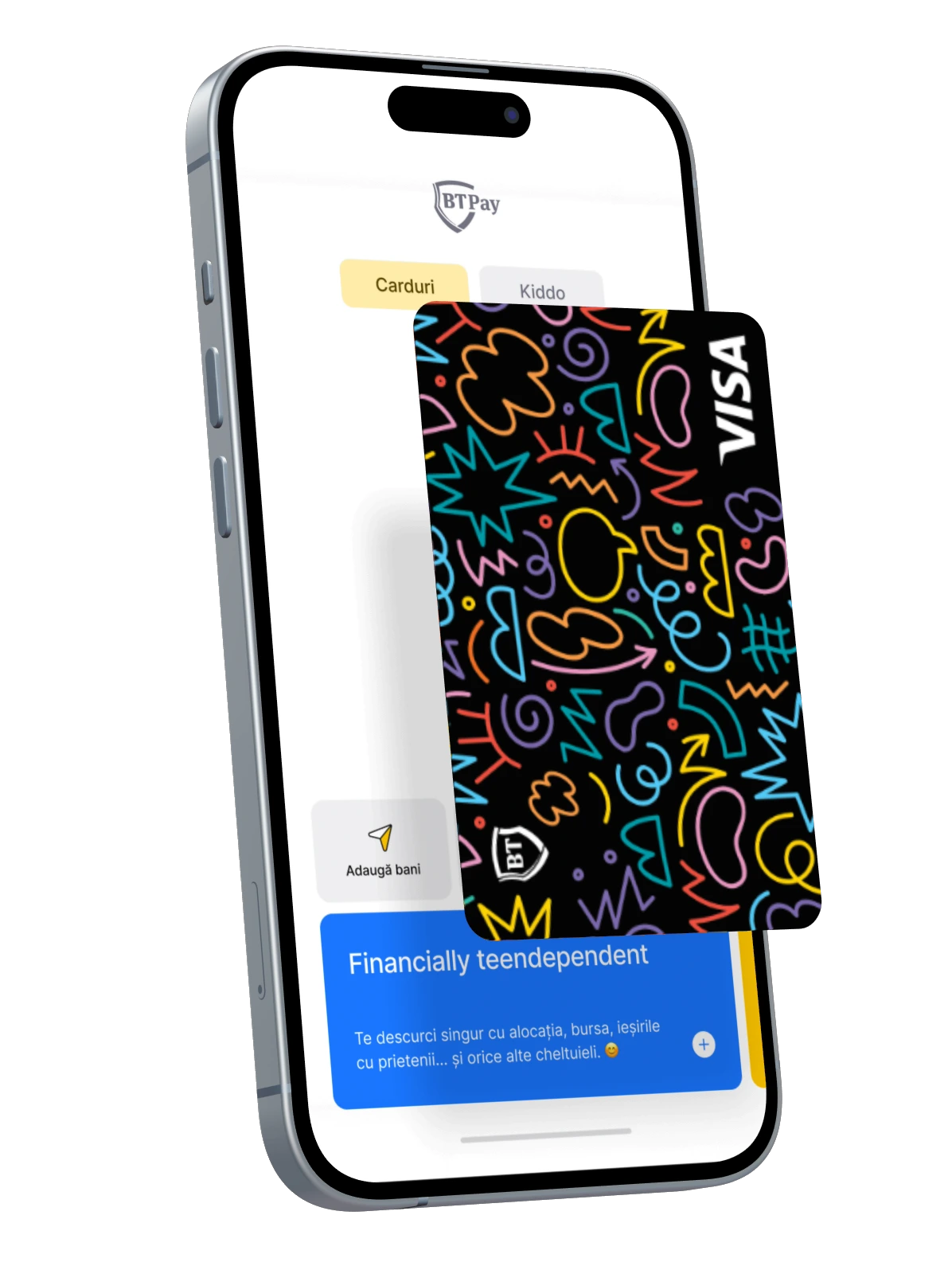
    Discover BT Pay Kiddo

    Your new BT card - home loan

    Supplementary Card

    You can issue an additional card directly from BT Pay for someone close to you.

    • You can issue both debit and credit cards.
    • It can be added to BT Pay by the owner and used immediately.
    • You can choose your delivery method directly in the app: by courier or pickup from a BT location.  
    • You have complete control (you can set transaction limits, view your transaction history, and block your card if necessary).

     Issue a card

    Your New BT Card - Personal Needs Loan

    NEED HELP?

    We're here for you. For information or support, use the BT Pay app, visit the Banca Transilvania website, or stop by any BT branch.

    Everything from the app, in real time 🙌

    Scan the QR code and download the app

    Search
    Maintenance iconOops, it looks like something went wrong. Don't worry, it's not your fault. Minor issues like this happen from time to time. What can you do? Try again later.
    Intreb BT logo
    Ask BT is Banca Transilvania's largest online financial education program, with over 2,000 banking questions and answers.
    Faq
    Powered by Microsoft Foundry
    AI Search provides automatically generated responses using Claude-Haiku-4.5 technology and an advanced agent orchestration mechanism. Responses may contain inaccurate or potentially offensive content, which does not reflect the views of Banca Transilvania. You are solely responsible for your use of the content generated by this service. Read .
    Terms and Conditions

    Disclaimer

    AI Search is a pilot project—currently in beta—that uses Claude-Haiku-4.5 technology to simplify the process of searching for and understanding banking products.

    AI Search is trained to answer questions that are exclusively related to the banking products offered by BT, but in certain situations and depending on the questions asked, it may also answer general questions. The answers provided are automatically generated and are to be used for information purposes only. The service may sometimes provide inaccurate or potentially offensive content, which does not represent the views of Banca Transilvania. You are solely responsible for your use of the content generated by this service in any way. Do not rely on this service for financial, legal or other professional advice and do not enter personal data or other confidential information into this service.

    Use of AI Search implies acceptance of the Terms and Conditions.

    Access to and use of the service implies your unreserved acceptance of these terms and conditions. If you do not agree to them, please do not use this service. By accepting the terms and conditions to use this service provided algorithmically by an artificial intelligence model, you assume the entire risk as to the quality, safety and performance of this service.

    Banca Transilvania does not provide any guarantee in relation to the answers provided by this service.

    AI Search provides responses algorithmically and these may sometimes contain inaccurate information or potentially offensive language. This information does not express the position of Banca Transilvania and cannot engage the responsibility of the Bank for the content provided.

    AI Search does not provide answers to personalized questions, so by using it you are obligated not to provide or enter any personal data or other confidential information in your messages/questions. In case you do not comply with this obligation, by inserting personal data/confidential information in AI Search, you consent to their processing for the purpose of providing the service (answers to the questions you ask), as well as for the improvement of the algorithmic model of the robot by its developer.

    Any information provided by users during their interaction with AI Search will be treated confidentially and will only be disclosed to recipients who have a right and need to know.

    The content provided by AI Search is for information purposes only.

    Users are responsible for the questions and messages asked when using AI Search. Any abuse or inappropriate language may result in the interruption of the interaction.

    AI Search does not provide financial, legal or professional advice and is not a substitute for consulting human experts or professionals specialising in the field. Users should not rely on the information provided by AI Search in making decisions.

    The Bank reserves the right to discontinue the AI Search service at any time without prior notice.

    Terms and conditions may be revised/updated at any time.