How much money I have in my account is a natural question, especially when we want to make purchases or various payments. Or simply when we want to see how we stand in the chapter of "personal finance" :), in order to plan better.
We present you the options that help you see how much money you have in your account, at BT. In addition, they are non-stop at your disposal:
- BT24 Internet Banking – Quick View option
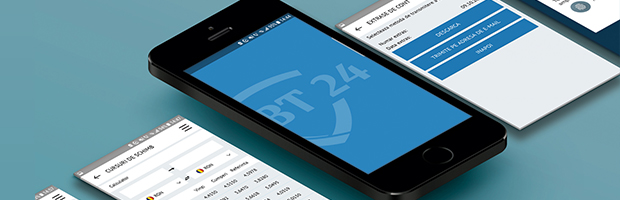
- BT24 Mobile Banking – the amount in the account (in other words, the balance) appears on the home screen
- BT Pay, the wallet application for shopping and money transfer with your phone. It can be downloaded on mobile phones with Android and iOS operating system.
- SMS Alert – helps you find out, on your mobile phone, about the card transactions and about the BT card supplies. In addition, you find out how much money you have in your account after each payment you make with the card.
- Livia from BT – is a robot that you can contact via Facebook Messenger, Skype or by phone (Call Center, 0264 30 80 28, *8028, listen to the greeting message and select the key 0)
To these we add the "classic" variants: visit to BT or check the balance at one of our bank's ATMs.
A day with zamBT!