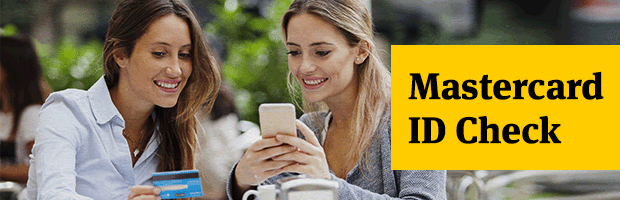
Online shopping. With Mastercard ID Check: safe and simple, as soon as you say "Add to cart"
Say goodbye to manually enrolling your cards, as well as repeated attempts to remember a password when you need it most! We have good news! Starting with November 8th, online transactions will become simpler and more secure, as the enrollment of your BT card in the secure Mastercard ID Check system will be done automatically. Also, you don't have to remember any password!
What do you need to take into account starting November 8th?
- The password you use now to validate online transactions will be replaced with a handy method, but which gives you extra security – a unique code sent via SMS, for each transaction.
- From November 8, the password you are currently using will no longer be valid. Until this date, however, you can use the password you have now and you can enroll your card here yourself: Mastercard and Visa.

How do you shop online, given the good news?
Just as it happens today, after choosing the product you buy online you will enter your card details. At merchants enrolled in Mastercard ID Check, an additional page will appear that requires entering a password.
The change consists in the fact that you will receive, by SMS, the unique code for your transaction, which you will enter in the mentioned page. After checking your password, the payment will be completed quickly.
Beware, however, it is important that the phone number that exists in the BT databases is correct. Otherwise, you will not be able to receive the code via SMS.
To send us your phone number or to make sure your registered number is correct, call us at *8028! To see more details, visit the card payments page on the internet.
To always be safe when shopping online, try to buy products from merchants enrolled in Mastercard ID Check. Also, do not disclose your card data to anyone and avoid using a public computer when buying on the internet. More questions and answers about Mastercard ID Check can be found in the dedicated section of the Ask BT platform.